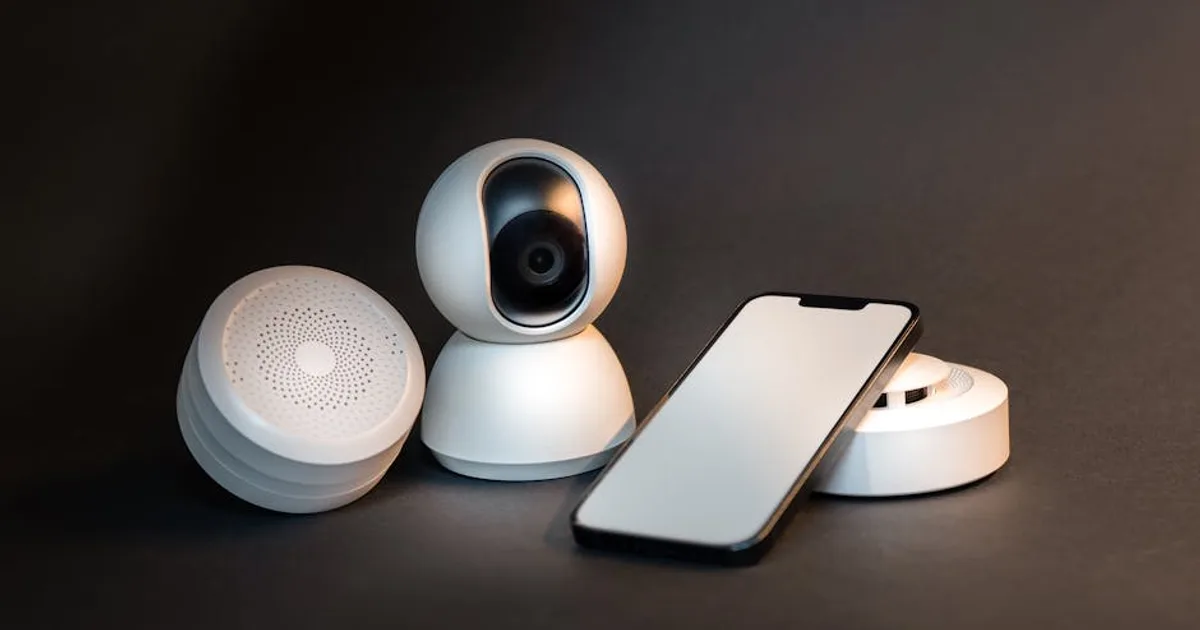
Smart home technology has a gap between what it promises and what most people actually use. The gap exists because the products are bought based on novelty or aspiration — what would be cool to have — rather than which specific friction points in daily life would genuinely be reduced by automation.
The devices below are worth buying because they solve specific problems. The order is roughly based on how reliably people find them useful rather than how impressive they sound.
Smart bulbs: genuinely useful, often misunderstood
Smart bulbs are the entry point for most people and they deliver more than their simple premise suggests — if you use them correctly.
The mistake most people make is using smart bulbs as a way to turn lights on and off with a phone instead of a switch. Phone control for on/off is strictly worse than a light switch. The value of smart bulbs is in automation: lights that turn on at sunset, dim gradually in the evening to support sleep onset, come on at 30% when you walk to the kitchen at night instead of blasting you with full brightness, and turn off automatically when a room is empty via a motion sensor integration.
Philips Hue remains the premium standard with the broadest ecosystem compatibility, though the cost per bulb is high. IKEA Tradfri is significantly cheaper and reliable for basic use. Govee and similar budget brands work well as standalone smart lights if you're not building a broader ecosystem.
The ecosystem question matters before buying: are you in Google Home, Amazon Alexa, or Apple HomeKit? Choosing bulbs compatible with your ecosystem makes integration significantly easier. Mixing incompatible systems is where smart home frustration originates.
Smart plugs: the cheap gateway to automation
A smart plug — a socket adapter that can be controlled remotely or via schedule — costs £10–15 and makes any existing appliance schedulable and remotely controllable. It's the lowest-friction entry into home automation because you don't replace anything.
The practical uses that actually get used: scheduling a lamp to come on at sunset and off at bedtime, turning off a TV that was left on, scheduling a fan or heater in a room without smart heating, checking whether you left the iron on (knowing requires a smart plug with energy monitoring).
The energy monitoring feature — available on slightly more expensive smart plugs — shows the real-time and historical power draw of whatever is plugged in. Running this on a tumble dryer or dishwasher for a week reveals the actual cost of those appliances in electricity — useful context when you're cutting monthly expenses.
Tapo P100 and P110 (with energy monitoring) from TP-Link are reliable, affordable, and widely compatible. Eve Energy works within Apple HomeKit without requiring a hub.
A smart speaker or display
Amazon Echo and Google Nest are the standard options. The value isn't in the novelty of asking questions — it's in the hands-free utility during specific activities.
In the kitchen, asking for a timer while your hands are covered in flour or checking a conversion without touching your phone is genuinely useful. Music control without picking up a phone, controlling other smart home devices by voice, setting reminders that interrupt whatever you're doing — these use cases accumulate into meaningful convenience, especially if you're also running a robot vacuum on a schedule.
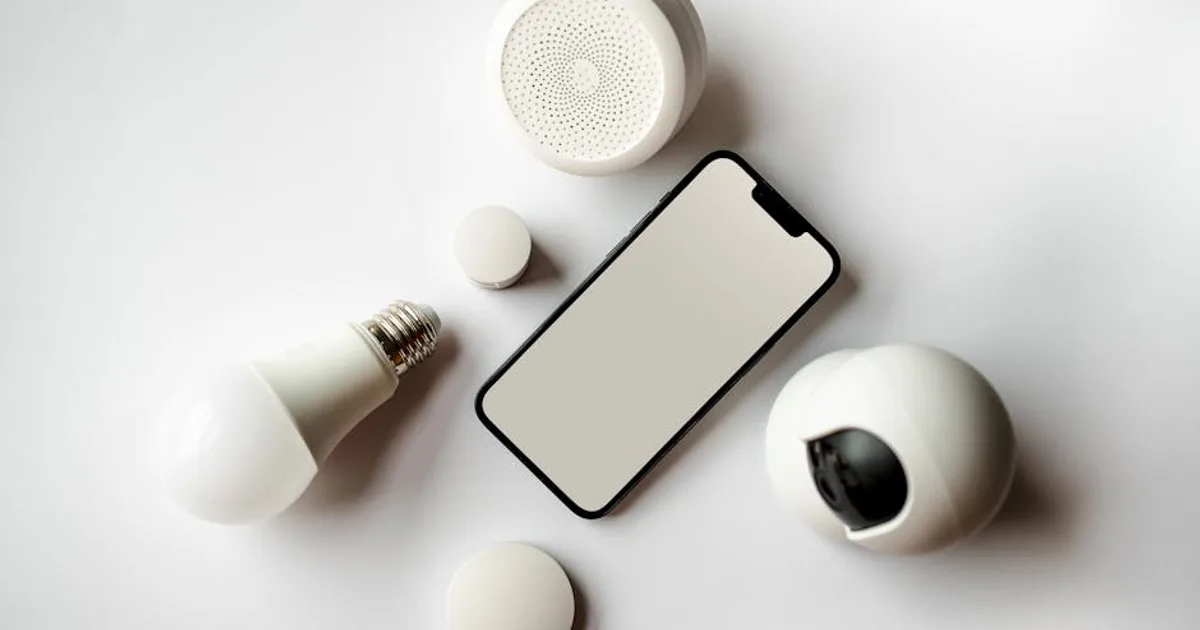
The display version (Echo Show, Google Nest Hub) adds a visual interface useful for recipes, video calls from the kitchen, and glanceable information like weather and calendar. For a kitchen counter specifically, a display device is often more useful than a speaker-only device.
The privacy consideration is real — these devices are always listening for a wake word. The microphone mute button is there for a reason and worth using when you're not actively using the device.
Smart thermostat
A smart thermostat — Nest, Hive, tado°, Ecobee — is the smart home device with the clearest and most measurable return on investment. It learns or lets you program heating schedules precisely, adjusts based on occupancy, and can be controlled remotely so you're not heating an empty house.
The average saving cited by manufacturers (15–20% on heating bills) is optimistic for households that were already managing their heating reasonably. For households currently running heating on a basic timer or heating the whole house when they're in only part of it, the savings are real and significant — the same category of win as lowering your electricity bill in winter.
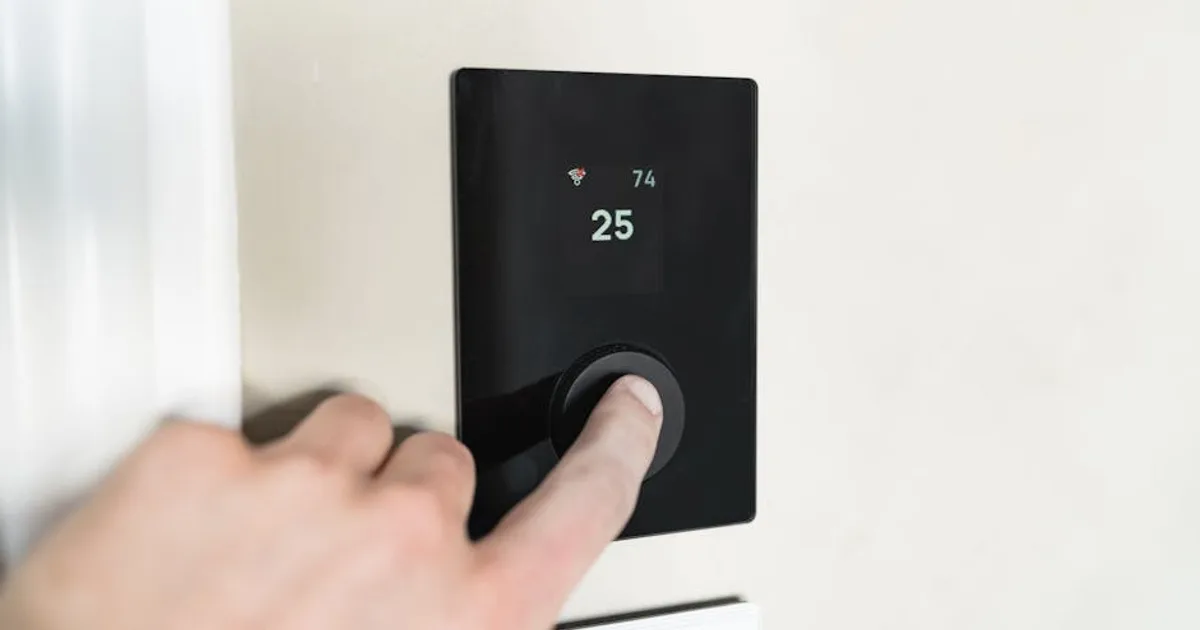
The installation varies by system — most are DIY-installable for straightforward heating setups, and harder for multi-zone systems or older systems without compatible controls. Check compatibility with your specific heating system before buying.
At £150–200 for a thermostat, the payback period on energy savings is typically one to two heating seasons. Unlike most smart home devices, this one has a straightforward financial case.
Video doorbell
A video doorbell (Ring, Nest Doorbell, Eufy) shows you who's at the door from anywhere, lets you speak to delivery drivers when you're not home, and provides footage if a package is stolen. These are all real benefits that people actually use.
The subscription question matters. Ring and Nest both require monthly subscriptions to store video history — without it, you can see live video but not recorded footage. Eufy's local storage option avoids the subscription but stores footage on a local device that could be stolen. The subscription cost (£3–8 per month) adds up to £36–96 per year, which changes the cost calculation over several years.
For renters or anyone who can't hardwire a doorbell, battery-powered options like the Ring Video Doorbell (battery) install without wiring but require periodic recharging.
What to skip as a beginner
Smart locks: High upfront cost, installation complexity for renters, and the security implications of internet-connected door locks make these a more advanced purchase. Useful for specific situations (Airbnb hosts, people who frequently lose keys, households with cleaners or contractors needing access). Not a beginner recommendation.
Smart washing machines and dishwashers: The smart features on appliances — remote start, cycle monitoring — sound useful and rarely are. Starting the washing machine remotely is only useful if you've already loaded it. The premium for smart appliances is rarely justified — a reliable refrigerator chosen for longevity is a better place to spend appliance money.
Smart displays everywhere: A smart display in the kitchen is useful. Smart displays in the bedroom, living room, and study are usually devices that sit idle most of the day. Start with one and discover whether you actually reach for it before buying more.
Building a system vs buying individual devices
The frustration that produces smart home abandonment usually comes from buying devices from incompatible ecosystems that don't work together. A Google Home device and an Apple HomeKit device and an Amazon Alexa device in the same house, each requiring its own app, is three separate systems pretending to be one.
Choose one ecosystem based on the phones and devices already in your household and buy within it. Google Home and Amazon Alexa have the broadest device compatibility. Apple HomeKit is more limited but more private and integrates tightly with Apple devices if your household is iPhone and Mac.
The Matter standard — a new cross-platform compatibility standard adopted by most major manufacturers — is gradually reducing ecosystem fragmentation, but it's not fully realised yet. Checking for Matter compatibility on any device you buy now provides some future-proofing.
Start with two or three devices that solve specific problems. The smart home that works well is almost always one that's been built gradually around real use cases rather than purchased comprehensively based on what looked good in a review — and it runs more smoothly on a computer that isn't bogged down by background apps.


