The irony of productivity apps is that finding, evaluating, and switching between them is itself a form of procrastination. Someone who spends an afternoon setting up a new task management system has not done their tasks. They've organised the idea of doing their tasks, which feels similar and isn't.
The apps below are worth knowing because they're genuinely useful and free — not because adding more tools will transform how you operate. One good app used consistently beats five excellent ones used inconsistently.
For tasks and to-do lists
Todoist (free tier) is the most polished general-purpose task manager available without paying. Natural language input — type "dentist Thursday at 3pm" and it creates the task with the correct date and time — makes adding tasks fast enough that you'll actually do it in the moment rather than intending to do it later and forgetting. The free tier supports unlimited tasks across five active projects, which is sufficient for most personal use.
What makes it worth recommending over simpler alternatives: recurring tasks (set once, appears every week without manual re-entry), priority levels that are quick to assign, and an inbox that captures everything without forcing immediate organisation. The organisation can happen later. The capture needs to happen immediately.
Apple Reminders (if you're in the Apple ecosystem) has improved substantially in recent iOS versions and is worth trying before downloading anything else. It's already on your phone, syncs across devices automatically, and handles the majority of what most people need from a task app. The case for a third-party app is real but not overwhelming for straightforward personal task management.
TickTick has a free tier that's more generous than Todoist's — unlimited tasks across unlimited lists — and a built-in habit tracker and Pomodoro timer that makes it a reasonable single-app solution for people who want task management and habit tracking in one place. The free tier has some limitations on calendar view features, but for basic use it's excellent.
For notes and information capture
Notion is free for personal use and genuinely powerful — databases, linked pages, embedded content, templates for everything from meeting notes to project tracking to habit logs. The problem with Notion is the same problem with most powerful tools: the flexibility means you spend time building the system rather than using it. If you're someone who enjoys designing organisation systems, Notion is remarkable. If you want to capture a note quickly and find it later, it's overkill.
Obsidian is free for personal use and built around plain text markdown files stored locally on your device. No subscription, no cloud dependency, files that remain accessible regardless of what happens to the company or service. It's the option for people who've been burned by notes apps that went away or behind paywalls, and for people who think in connected ideas rather than hierarchical folders. The learning curve is steeper than most note apps but the payoff in longevity and flexibility is significant.
Apple Notes / Google Keep for most people, most of the time. Fast to open, fast to type in, syncs automatically, searchable. The case for these over more elaborate alternatives is that you will actually use them. The best note-taking system is the one with the lowest friction to capture, and both of these are about as frictionless as it gets.
For habits
Streaks (iOS, paid) and Habitica (free, gamified) are the two most discussed habit trackers. But the honest recommendation here is simpler: a paper habit tracker on the wall, or the habit tracking built into TickTick or Apple Health, is sufficient for most people.
The research on habit tracking suggests that tracking itself matters — the act of marking something done reinforces the behaviour. The specific tool matters much less than the morning habits you're trying to build. Before downloading a dedicated habit app, check whether the task manager you already use has a habit tracking feature. If it does, use that rather than adding another app.
For calendar and time
Google Calendar is free, excellent, and there is no meaningful free alternative that competes with it for general-purpose calendar management. Cross-platform, shareable, integrates with almost every other tool, reliable. The only reason not to use it is if you're deeply in the Apple ecosystem, in which case Apple Calendar with iCloud sync is equivalent.
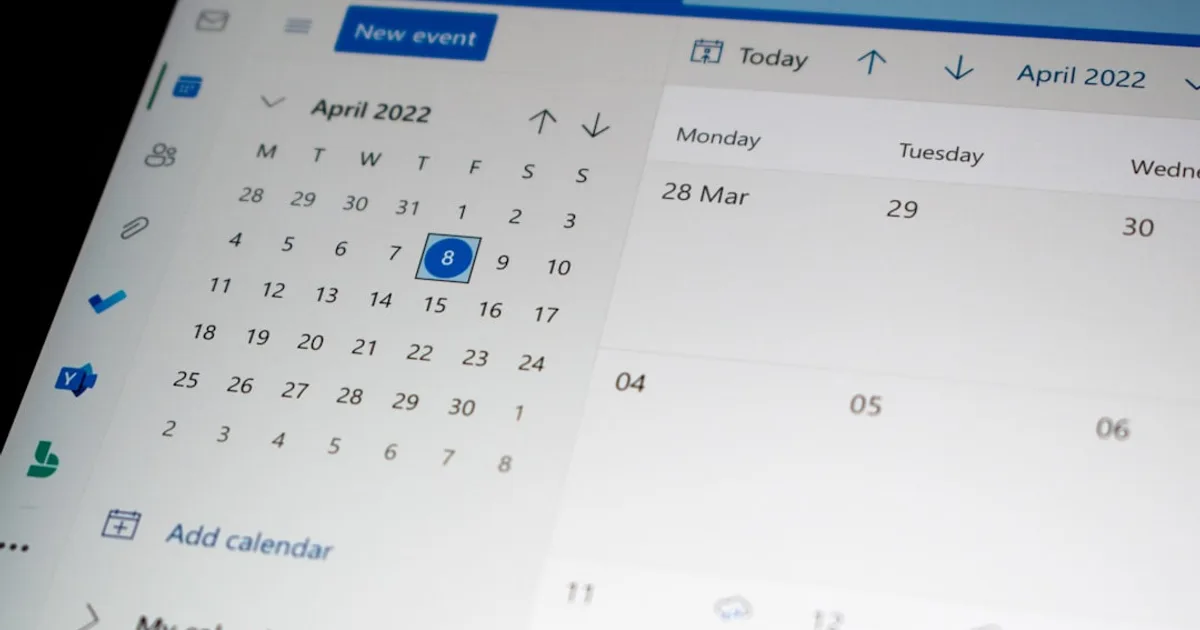
Fantastical (free tier) has better natural language input than either native calendar app and a more useful weekly view, but the free tier is limited to a single calendar account. Worth trying if calendar management is a friction point for you.
For focus and time management
Forest (free tier) is a focus app where you plant a virtual tree that grows while you don't touch your phone — useful if late-night scrolling is also disrupting your ability to fall asleep. If you open another app, the tree dies. It sounds gimmicky and works better than it should — the visual metaphor creates a mild but genuine commitment. The free version is functional; the paid version plants real trees through a partnership with a reforestation organisation.
Be Focused (iOS, free) is a clean Pomodoro timer with session tracking. No elaborate features, just a timer with work and break intervals. If the two-minute starting technique for procrastination has ever worked for you, a dedicated Pomodoro app makes it a consistent system rather than a one-off intervention.
The principle that matters more than any specific app
Organisation apps reduce friction for people who already have the underlying habits. They don't create habits in people who don't. A task manager used by someone who has the habit of writing things down immediately is a powerful tool. The same app downloaded by someone hoping it will change how they operate is likely to be abandoned within three weeks.
Before adding any new app, identify the specific problem you're trying to solve — the same discipline that helps you stop impulse buying new subscriptions and tools you won't use. "I want to be more organised" is not specific enough. "I keep forgetting to follow up on things I said I'd do" is specific — and the solution (a task app with reminders) follows directly. "I lose information I've captured and can't find it later" points toward a note-taking system with better search, not a task manager.
Match the tool to the actual friction point. Use the free tier before paying for anything. Give it three weeks of genuine use before deciding whether it works. Most organisation problems are not tool problems — but some are, and the right tool in the right place makes a real difference.


